Virtual Try-On for WordPress: Complete Guide to Boost Sales & Reduce Returns (2026)
FADI
Fadi Yousef
Author
November 24, 2025
9 min read
759 views
Running a fashion store on WordPress? You're likely facing the same challenge as thousands of other online retailers: customers can't visualize how your products will actually look on them before they buy.
The result? High return rates, abandoned carts, and lost sales.
Virtual try-on technology solves this problem by letting customers see exactly how clothing items look on their own bodies before making a purchase. And now, it's easier than ever to add this powerful feature to your WordPress WooCommerce store.
What is Virtual Try-On for WordPress?
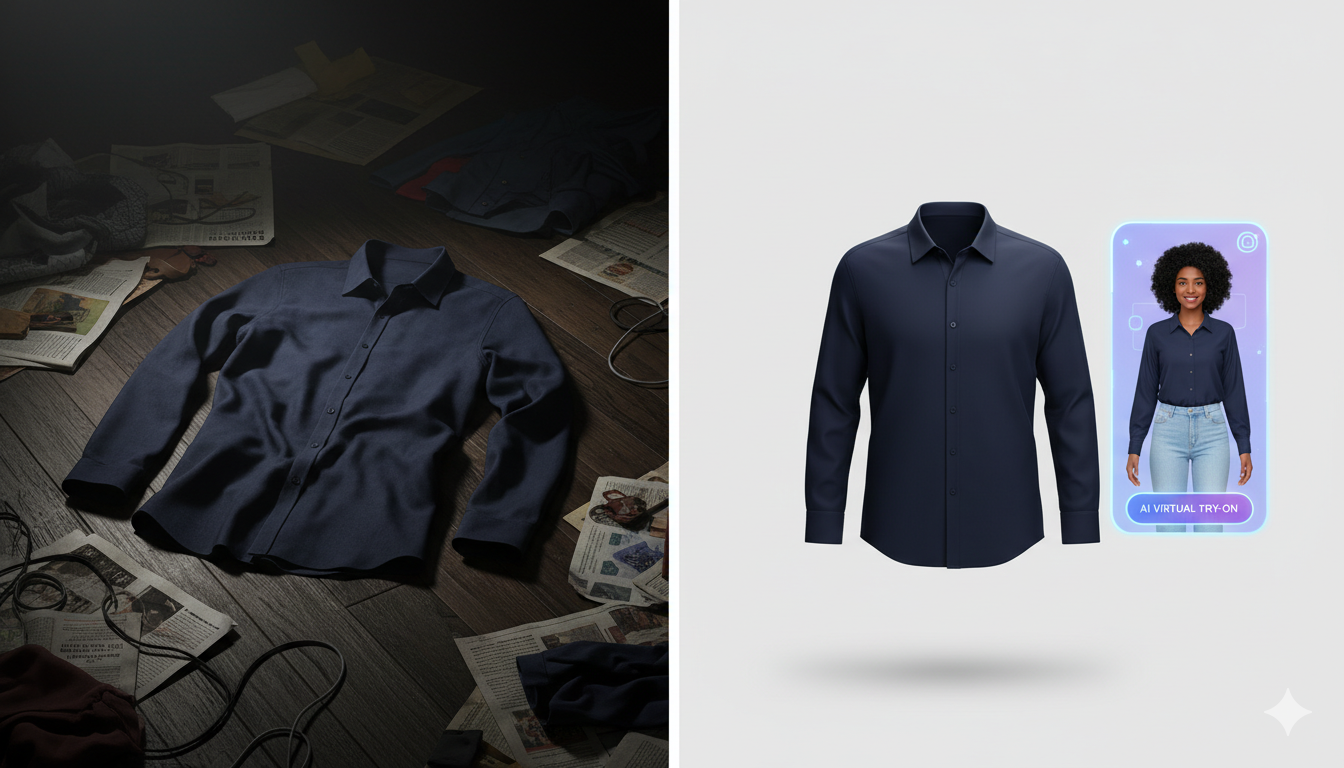
Virtual try-on is an AI-powered technology that allows your customers to upload their photo and instantly see how your clothing products would look on them. Think of it as a digital fitting room that works directly on your WordPress website.
Unlike traditional product photos that show clothes on models, virtual try-on personalizes the shopping experience by showing items on the actual customer's body type, creating confidence and reducing purchase hesitation.
Why WordPress Fashion Stores Need Virtual Try-On
The Problem with Traditional Online Shopping
When customers shop for clothes online, they face a fundamental problem: uncertainty. Will this dress fit my body type? Does this color work with my skin tone? Will the style look good on me?
This uncertainty leads to:
- Cart abandonment rates of 70%+ in fashion e-commerce
- Return rates of 30-40% for online clothing purchases
- Lost sales from customers who never complete checkout
The Virtual Try-On Solution
Studies show that virtual try-on technology can:
- Triple conversion rates by increasing purchase confidence
- Reduce return rates by 40% by setting accurate expectations
- Increase average order value as customers feel confident buying more items
- Improve customer satisfaction with realistic product visualization
How Virtual Try-On Works on WordPress
Modern virtual try-on solutions for WordPress use artificial intelligence to:
- Customer uploads a photo - A simple selfie or full-body photo
- AI analyzes body dimensions - Understanding shape, size, and proportions
- Product is digitally fitted - The selected clothing item is rendered on the customer's photo
- Instant visualization - Customer sees how the product looks on them in seconds
The entire process happens directly on your WordPress website with no app downloads or complicated setup required.
Types of Virtual Try-On Technology
AI Photo-Based Virtual Try-On
This approach uses customer-uploaded photos and AI to realistically render clothing on their actual body. It's the most accurate method because it works with real body proportions rather than generic avatars.
Pros:
- Highly accurate and realistic
- Works on any device (desktop, mobile, tablet)
- No special hardware or apps required
- Fast processing time
Cons:
- Requires customers to upload a photo (minor friction)
- Quality depends on photo uploaded
Augmented Reality (AR) Try-On
AR solutions use your device's camera to overlay clothing in real-time as you move.
Pros:
- Interactive real-time experience
- No photo upload needed
Cons:
- Often requires native apps or WebAR support
- Less accurate for fit visualization
- Can appear less realistic
- Performance issues on older devices
Avatar-Based Try-On
Customers create a digital avatar by entering measurements, then see clothes on this generic model.
Pros:
- No photo required (privacy-friendly)
Cons:
- Less personal and engaging
- Generic avatars don't reflect real body types accurately
- Lower conversion impact
For WordPress stores, AI photo-based solutions offer the best balance of accuracy, ease of implementation, and conversion impact.
Best Virtual Try-On Plugins for WordPress WooCommerce
What to Look for in a WordPress Virtual Try-On Plugin
When choosing a virtual try-on solution for your WordPress store, consider:
Ease of Installation
- Should integrate seamlessly with WooCommerce
- Minimal technical knowledge required
- Works with any WordPress theme
AI Quality
- Realistic rendering of fabrics and fit
- Fast processing speed (under 10 seconds)
- Accurate body dimension detection
User Experience
- Simple customer interface
- Mobile-optimized
- Quick loading times
Pricing Structure
- Affordable for small to medium businesses
- Freemium or trial options available
- Pay-per-use vs. flat monthly fee
Support & Updates
- Regular plugin updates
- Responsive customer support
- Good documentation
TryMyLook Virtual Try-On Plugin
TryMyLook is a WordPress plugin specifically designed for WooCommerce fashion stores. It provides AI-powered virtual try-on with a focus on simplicity and affordability.
Key Features:
- One-click WooCommerce integration
- Works with any WordPress theme
- AI-powered realistic rendering
- Mobile-responsive interface
- Free plugin with usage-based pricing
- 5-minute setup process
Pricing: Free plugin available in WordPress repository, with API usage costs starting with a free tier.
Best For: Small to medium WooCommerce fashion stores looking for an affordable, easy-to-implement solution.
How to Add Virtual Try-On to Your WordPress Store
Step-by-Step Installation Guide
Step 1: Install the Plugin
- Log into your WordPress admin dashboard
- Navigate to Plugins → Add New
- Search for your chosen virtual try-on plugin
- Click "Install Now" then "Activate"
Step 2: Connect to API Service
- Sign up for an account with the virtual try-on service
- Get your API key from your dashboard
- Enter the API key in your WordPress plugin settings
- Save settings
Step 3: Configure Product Settings
- Choose which product categories should have virtual try-on
- Set up any customization options (button text, colors, etc.)
- Test with a few sample products
Step 4: Test Customer Experience
- Visit your store as a customer would
- Upload a test photo
- Try on different products
- Ensure mobile experience works smoothly
Total setup time: 5-10 minutes
Optimizing Virtual Try-On for Conversions
Placement Matters
- Add "Try It On" buttons prominently on product pages
- Consider adding to category pages for quick access
- Include in cart as a last-chance conversion tool
Clear Instructions
- Provide simple photo upload guidelines
- Show example photos that work well
- Explain privacy (photos aren't stored)
Mobile Optimization
- Ensure buttons are thumb-friendly
- Test photo upload on various devices
- Optimize image processing speed
Social Proof
- Add customer testimonials about the try-on feature
- Show before/after conversion statistics
- Highlight return rate reductions
Virtual Try-On ROI: What to Expect
Conversion Rate Impact
Fashion stores implementing virtual try-on typically see:
- 2-3x increase in conversion rates for products with try-on available
- 25-35% increase in "add to cart" clicks
- 15-20% increase in average order value
Return Rate Reduction
When customers can accurately visualize products:
- 30-40% reduction in returns due to fit issues
- Fewer "doesn't look like the photo" returns
- Lower customer service inquiries about sizing
Customer Lifetime Value
Satisfied customers who use virtual try-on:
- Return more frequently due to positive experience
- Leave better reviews mentioning the feature
- Refer friends to stores with try-on capability
Break-Even Analysis
For a typical WooCommerce store:
- Average conversion rate: 2%
- With virtual try-on: 5-6%
- Monthly visitors: 10,000
- Average order value: $75
Without virtual try-on: 200 orders = $15,000/month
With virtual try-on: 500 orders = $37,500/month
Additional revenue: $22,500/month
Even accounting for plugin costs, the ROI is substantial for fashion stores with consistent traffic.
Common Challenges and Solutions
"Customers Won't Upload Photos"
Solution:
Solution:
- Emphasize privacy (photos not stored)
- Show the benefit clearly (see exact fit)
- Provide option to continue without (but highlight advantage)
- Use social proof from other customers
"Photos Don't Always Look Perfect"
Solution:
- Provide clear photo guidelines
- Show good vs. bad example photos
- Allow multiple photo uploads
- Set realistic expectations about AI rendering
"Integration with My Theme"
Solution:
- Choose plugins tested with major themes
- Use shortcodes for flexible placement
- Contact plugin support for customization help
- Consider hiring developer for perfect integration
"Cost Concerns"
Solution:
- Start with freemium tiers to test
- Calculate ROI based on conversion increases
- Compare to cost of returns and lost sales
- Consider usage-based pricing that scales with success
Privacy and Data Considerations
When implementing virtual try-on, address customer privacy concerns:
Photo Storage
- Many solutions process photos without permanent storage
- Clearly communicate your privacy policy
- Offer opt-in rather than automatic storage
GDPR Compliance
- Ensure your chosen solution is GDPR compliant
- Provide clear data processing information
- Allow customers to request data deletion
Security
- Use plugins from reputable developers
- Ensure encrypted data transmission
- Regular security updates
The Future of Virtual Try-On for WordPress
Virtual try-on technology is rapidly evolving:
AI Improvements
- More realistic fabric rendering
- Better handling of complex patterns
- Improved body shape detection
Extended Reality
- Integration of AR and AI approaches
- Virtual showrooms
- 360-degree product views
Personalization
- Style recommendations based on try-on history
- Size predictions from multiple try-ons
- Complete outfit visualization
WordPress Integration
- Deeper WooCommerce native integration
- Block editor components
- Page builder compatibility
Getting Started with Virtual Try-On Today
Ready to add virtual try-on to your WordPress fashion store?
Quick Start Checklist:
- Evaluate your current conversion and return rates (baseline metrics)
- Choose a virtual try-on plugin that fits your budget
- Install and configure the plugin (15 minutes)
- Test thoroughly on desktop and mobile
- Create customer-facing instructions
- Promote the new feature to your email list
- Monitor metrics: conversion rates, return rates, customer feedback
- Optimize based on data after 30 days
Recommended First Steps
Start with your best-selling products or highest-return items. This lets you:
Start with your best-selling products or highest-return items. This lets you:
- Test the technology on products customers care about most
- See immediate impact on your most important metrics
- Gather customer feedback quickly
After proving ROI, expand to your full catalog.
Conclusion
Virtual try-on technology is no longer just for enterprise fashion brands. WordPress store owners can now offer this powerful feature with simple plugin installation and affordable pricing.
The benefits are clear: higher conversion rates, fewer returns, and more confident customers. With setup taking just minutes and free tiers available for testing, there's minimal risk and substantial upside.
Your competitors are already exploring this technology. The question isn't whether to implement virtual try-on, but when.
Start today with a free plugin and see the difference personalized product visualization makes for your WordPress fashion store.
Virtual try-on technology is no longer just for enterprise fashion brands. WordPress store owners can now offer this powerful feature with simple plugin installation and affordable pricing.
The benefits are clear: higher conversion rates, fewer returns, and more confident customers. With setup taking just minutes and free tiers available for testing, there's minimal risk and substantial upside.
Your competitors are already exploring this technology. The question isn't whether to implement virtual try-on, but when.
Start today with a free plugin and see the difference personalized product visualization makes for your WordPress fashion store.